On this page6 sections
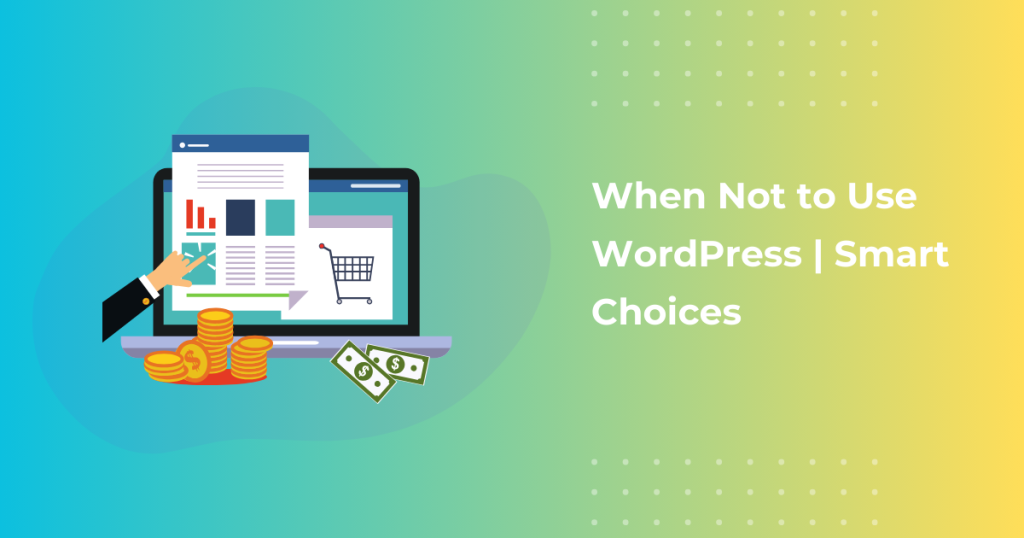
When Not to Use WordPress becomes a vital question for anyone planning a website. While WordPress powers millions of sites, it is not always the perfect choice. In fact, there are scenarios where it’s smarter not to use WordPress, especially if you need a highly customized, lightweight, or specialized solution.
By understanding these situations, you can make smarter decisions and choose better alternatives that match your project goals. In this guide, we’ll explore when to avoid WordPress and what options can deliver a faster, more secure, and scalable website.
Why is WordPress dominant?
WordPress is popular because of its flexibility, ease of use, and open-source nature. It powers over 40% of the web and offers thousands of themes and plugins that make customization simple without needing coding knowledge. From personal blogs to business websites and large e-commerce stores, its scalability makes it a go-to solution for many.
However, there are times when it might be smarter not to use WordPress. Despite its strengths, certain projects require more lightweight or specialized platforms that WordPress may not handle as efficiently. In those cases, knowing when not to use WordPress can save time, money, and future headaches while ensuring you choose a better alternative.
When Not to Use WordPress
1. Limited Budget for Hosting or Maintenance
- WordPress requires ongoing costs, such as hosting, premium themes, and plugin fees. If your budget is minimal, other platforms like Wix or Squarespace may provide more affordable all-in-one solutions.

2. Simple Website Requirements
- For basic websites like a one-page portfolio or a small event site, WordPress might be overkill. Drag-and-drop builders like Carrd or Webflow can handle simpler projects without requiring plugins or coding knowledge.

3. High-Traffic, Performance-Intensive Websites
- Managing a WordPress site with high traffic can become resource-intensive. Custom-built websites or platforms like Shopify for e-commerce or Ghost for content-heavy sites may perform better in such scenarios.

4. Specific Security Needs
- While WordPress is secure when maintained properly, its popularity makes it a target for hackers. Businesses handling sensitive data (e.g., banking or healthcare) might require more specialized platforms with built-in security features.

5. Strict Design or Functionality Requirements
- Although WordPress is highly customizable, complex designs or functionalities often require significant coding. In such cases, a custom-built website might be more efficient.

Alternatives to WordPress
If you’re considering alternatives to WordPress, here are some options with distinct strengths:
- Wix: Perfect for beginners seeking simplicity. It offers intuitive drag-and-drop functionality, built-in hosting, and customizable templates. It is perfect for small websites that require minimal technical setup.
- Squarespace: Known for stunning design options, Squarespace is a go-to choice for creatives and businesses focusing on visual appeal. It’s particularly effective for portfolios and small-scale websites.
- Shopify: Tailored for e-commerce, Shopify excels in creating online stores. It provides integrated tools for product management, payment processing, and shipping.
- Webflow: Combines visual design with powerful CMS capabilities. Webflow development is especially popular among designers and businesses looking for pixel-perfect control without heavy reliance on plugins or manual coding.
Each platform addresses specific needs, whether it’s e-commerce, artistic presentation, or user-friendliness. Choosing depends on your project’s goals.
Key Considerations When Choosing WordPress
- Scalability: WordPress works well for growing sites but can demand higher server resources as traffic increases.
- Ease of Use: While beginner-friendly, managing updates, backups, and plugins can be daunting for non-technical users.
- Customizability: Advanced customization often requires a developer, increasing costs.
FAQs
Can WordPress handle enterprise-level websites?
Yes, WordPress can handle enterprise-level websites, but it requires robust hosting, expert management, and ongoing maintenance. However, in some enterprise scenarios, it may be better not to use WordPress, as platforms like Drupal or custom-built solutions could provide more security, scalability, and tailored functionality.
Is WordPress suitable for small businesses?
Yes, WordPress is suitable for small businesses if they have resources for hosting, themes, plugins, and regular updates. Still, some small companies may prefer not to use WordPress when budgets are tight, or they need simpler, low-maintenance solutions like Squarespace, Wix, or Shopify.
Do I need technical skills for WordPress?
Basic skills are enough for creating simple sites, but advanced projects often require coding expertise, troubleshooting, and performance optimization. If you lack these skills or resources, it might be better not to use WordPress and instead choose beginner-friendly website builders that require minimal technical know-how.
Are there free alternatives to WordPress?
Yes, free platforms like Blogger, Carrd, or Wix offer simplified solutions. However, they come with limitations in design and scalability. If you want advanced features but no extra cost or maintenance, you might consider not to use WordPress and pick these budget-friendly alternatives.
Can WordPress sites migrate to other platforms?
Yes, migration from WordPress to another platform is possible, but it can be complex, involving data transfer, redesign, and technical adjustments. For those who anticipate future changes, it might be smarter not to use WordPress initially and instead start with a more flexible alternative.
Conclusion
WordPress is powerful and versatile, making it a top choice for millions of websites worldwide. It offers unmatched flexibility with thousands of themes, plugins, and integrations that make building and scaling websites easier. However, it’s not the universal solution for every website need, and some projects demand lighter, more specialized platforms. For example, if your focus is on high-security enterprise sites or minimal maintenance solutions, you may find that WordPress is not always the most efficient option.
By carefully evaluating your project requirements, budget, and technical skills, you can make an informed decision. In some cases, WordPress will provide everything you need to grow, while in others, an alternative platform may better align with your goals. Understanding these differences ensures you won’t waste time or resources on a platform that doesn’t fully serve your objectives.
Popular plugins
Plugins people love
Easy, well-supported plugins used on more than 55,000 sites.
 GS Logo SliderClient & partner logos
 Solid TestimonialsCustomer reviews & ratings
 GS Team MembersTeam profiles & bios
 GS Filterable PortfolioFilterable work galleries
 GS Projects ShowcaseProjects with details

Sarwar Zaman
Hi, I'm Sarwar Zaman, founder of GS Plugins, creating tools that make WordPress effortless and powerful. When I’m not diving into code, I’m a dad who loves spending quality time with my family. Besides traveling and reading novels, writing blogs is the way I connect with people, sharing tips and stories to make the web a better place.
More articles by Sarwar Zaman